
3 Months
3-month IPTV Greatest subscription
$25$0.28/day
- 35,000+ international TV channels
- Multi-screen subscription
- 179,000+ movies and series on demand
- SD, HD, FHD, 4K and UHD picture quality
- +$5 for Adult Channels Included
- See all features
Watch live channels, sports, movies, series, and on-demand entertainment on the devices you already use. IPTV Greatest is built for easy installation, steady playback, and responsive WhatsApp support for USA viewers.
Annual plan: $59 for 12 months.
Channels


























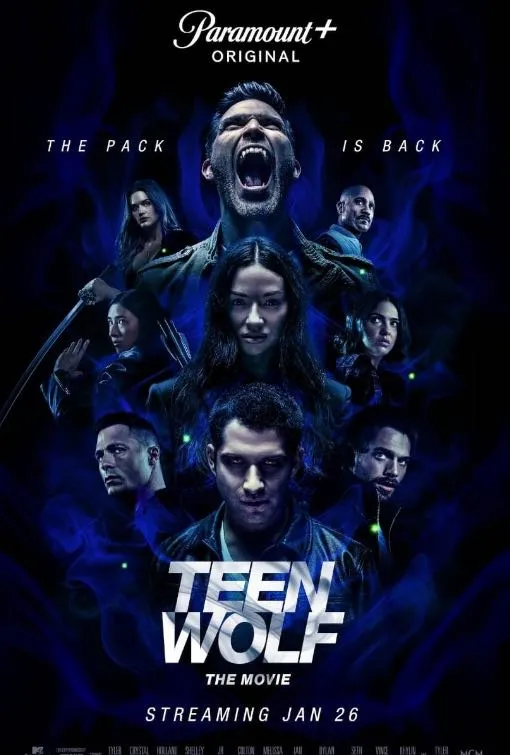
Movies









Sports











Preview
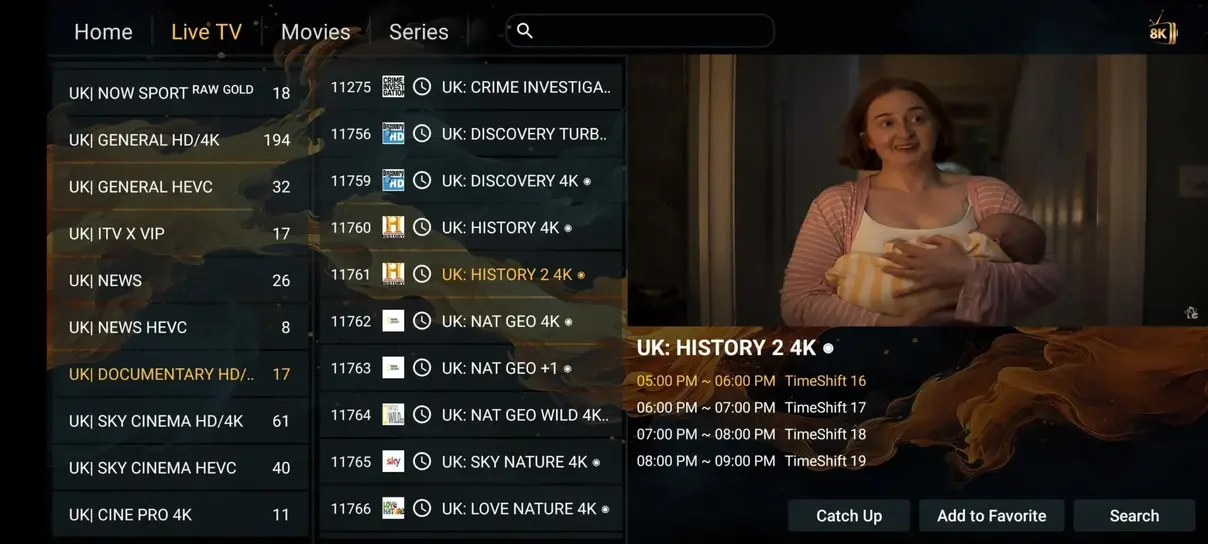
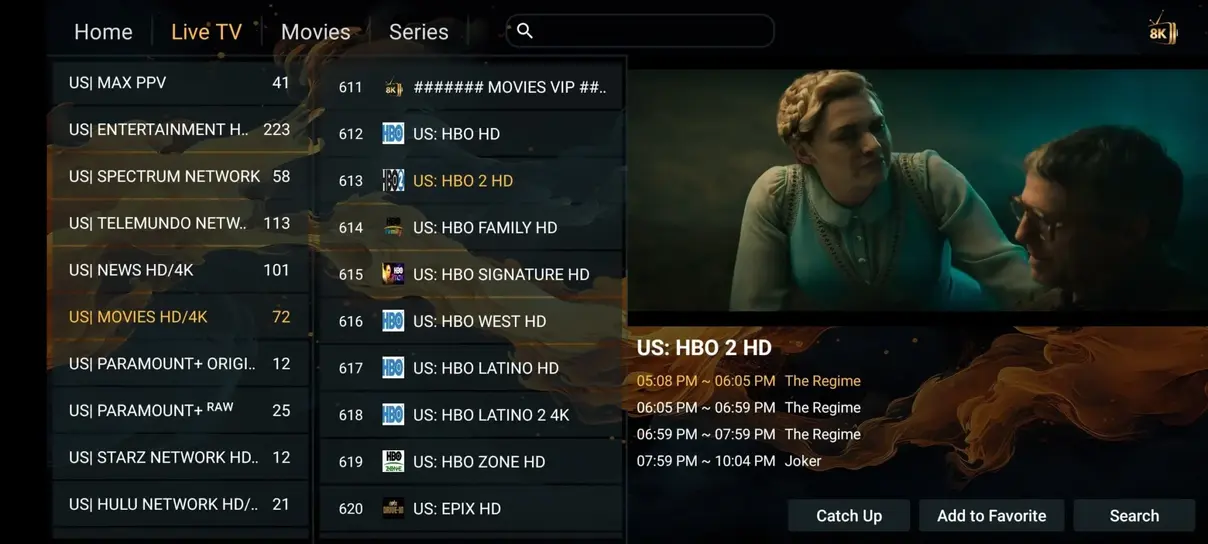
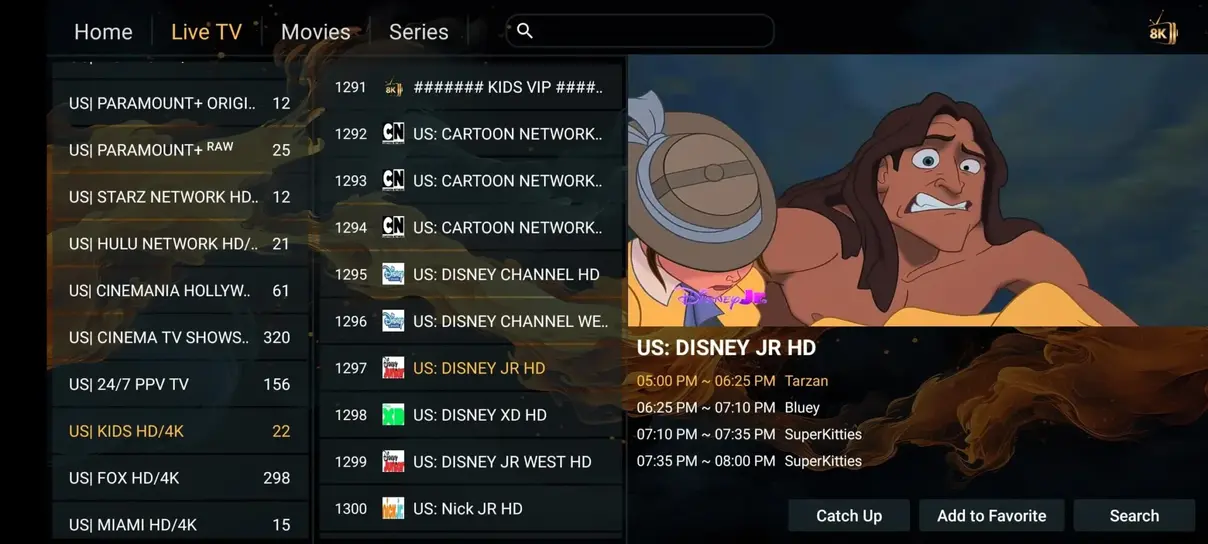
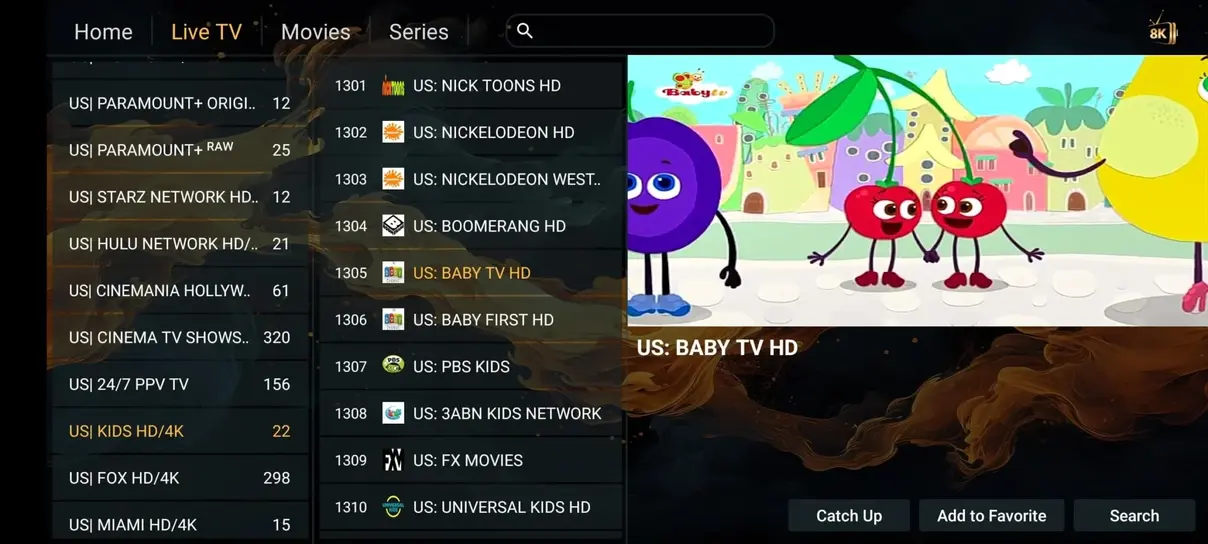
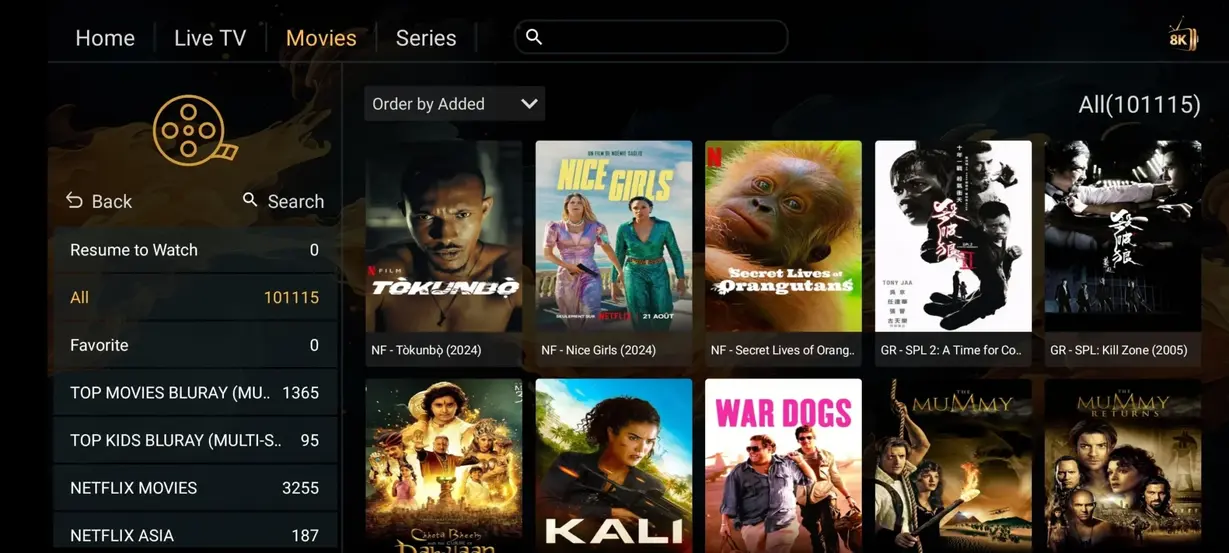
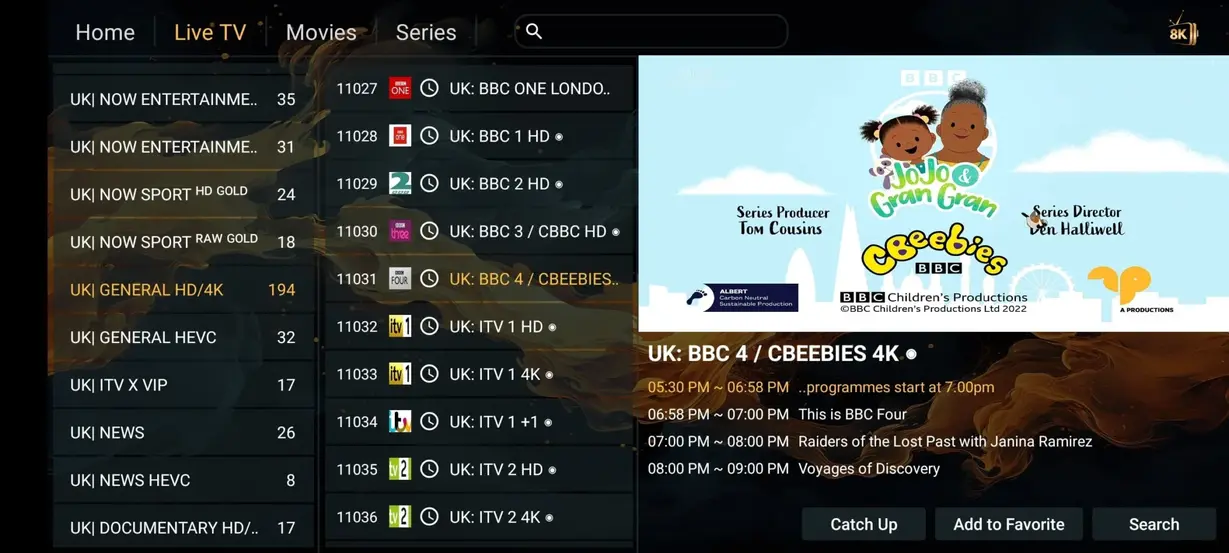
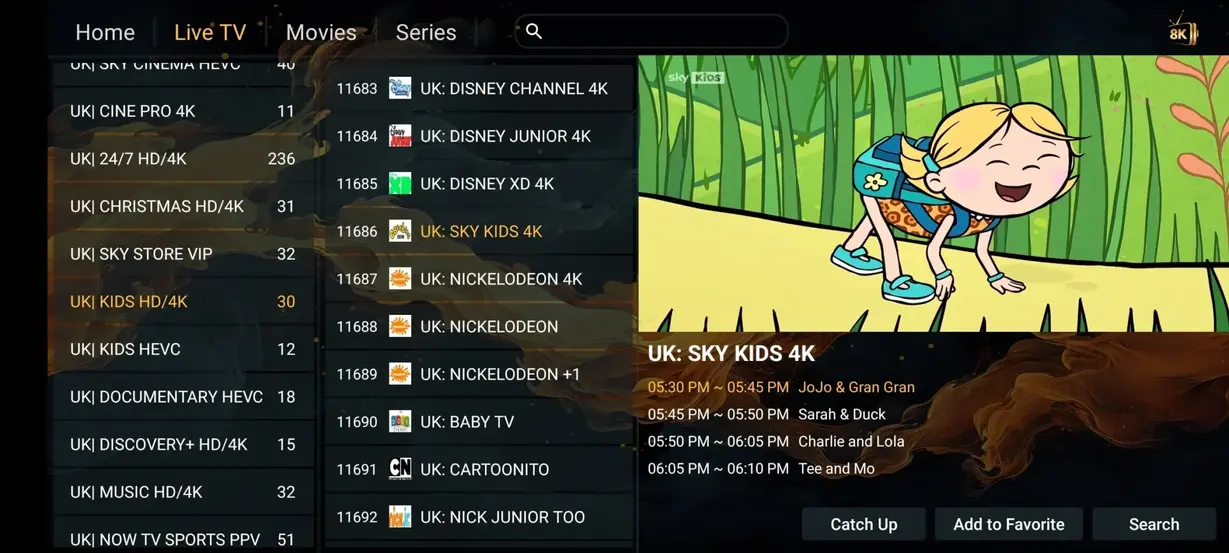
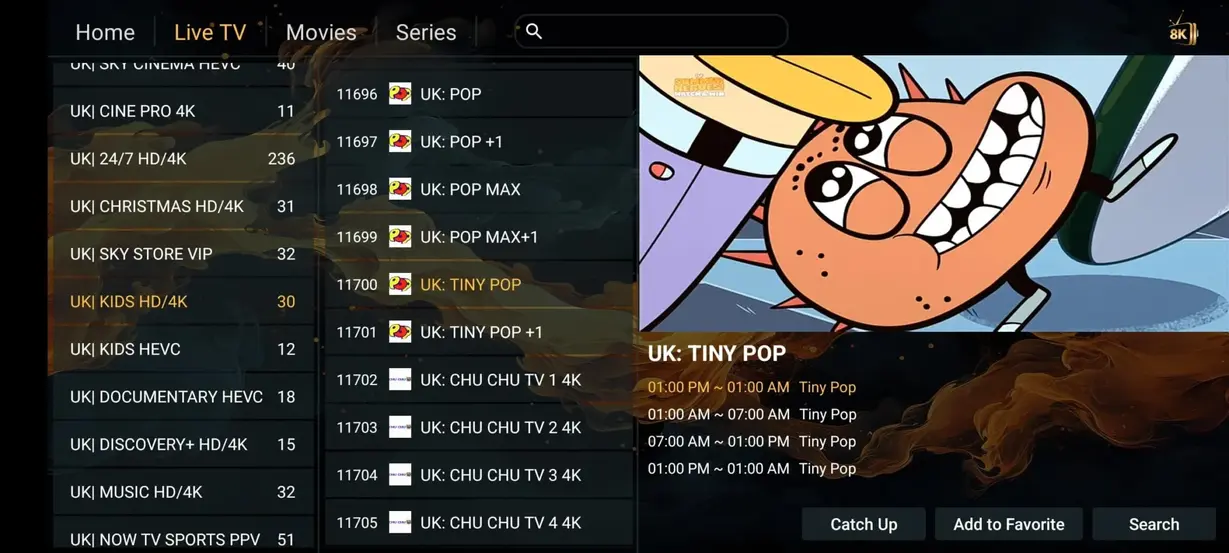
Comparison
| Feature | IPTV Greatest | Cable/Satellite |
|---|---|---|
| Annual cost | $59/year | $1,200+/year |
| Live channels | 41,821+ | 200-500 |
| Movies and series | 177,000+ | Pay extra |
| Adult channels | Included | Not available |
| 24/7 channels | 1,000+ | None |
| All sports included | Included | Not included |
| No contracts | Yes | No |
| Watch anywhere | Yes | Limited |
Pricing
3-month IPTV Greatest subscription
12-month IPTV Greatest subscription
6-month IPTV Greatest subscription
Short IPTV Greatest subscription for testing one screen.

No more fighting over the remote. Multi-screen plans let different people stream different content at the same time, whether they are in the living room, home office, or traveling.
Multi-screen access keeps the core IPTV Greatest benefits: live channels, sports, movies, series, VOD, EPG, replay TV, and compatible app setup support.
A multi-screen plan is intended for simultaneous viewing, so one person can watch live sports while another watches a movie, series episode, news, or international channel.
For larger households, offices, travel devices, or more than two screens, contact WhatsApp support before payment so the account is configured correctly from the start.
Ask support for a custom multi-screen IPTV plan.
Ask for detailsActivation
Download a compatible IPTV player on Firestick, Smart TV, Android, iOS, Windows, or macOS.
Open the app and add the M3U link, MAC setup, or Xtream Codes details sent by IPTV Greatest support.
Refresh the playlist, open your channels, and enjoy live TV, sports, movies, series, replay TV, and EPG.
Devices






Reviews
New York, United States
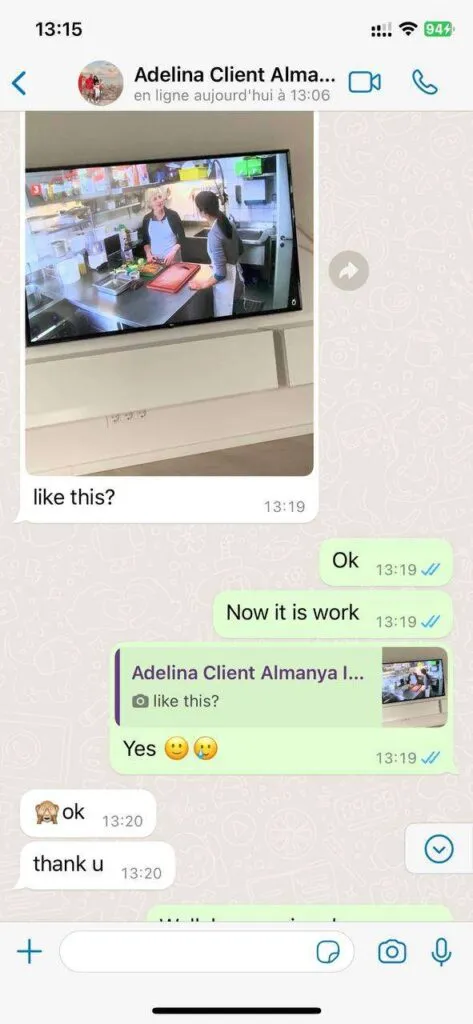
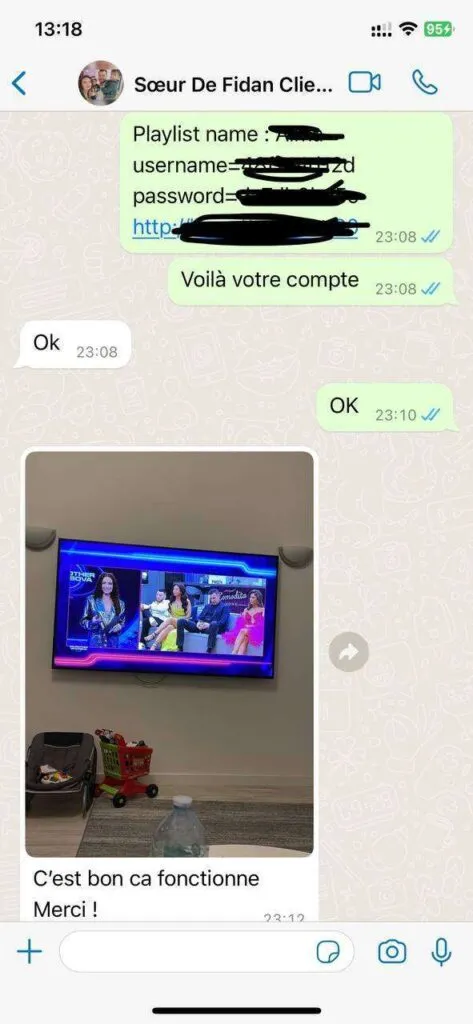
Verified customerLive sports loaded quickly on my Fire Stick, and the support team helped me refresh the playlist when I changed apps.
Austin, United States
Verified customerThe IPTV Greatest subscription made movie nights easier because the VOD library is organized and works well on our Smart TV.
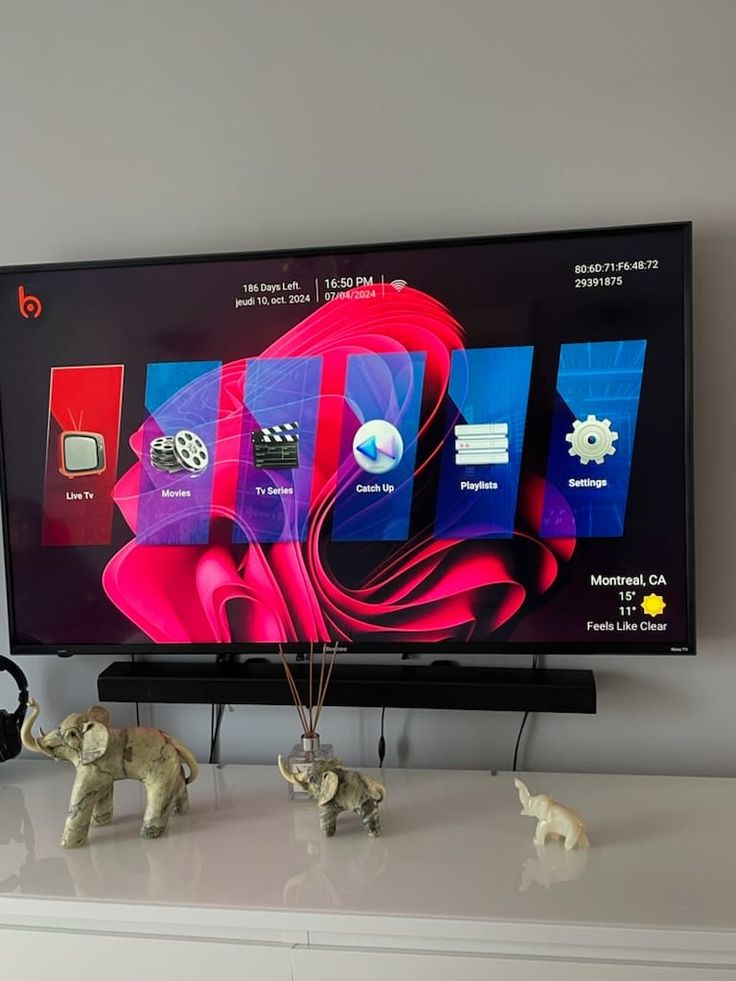
Chicago, United States
Verified customerI wanted sports and international channels without cable contracts. Setup was simple and the streams have been steady.
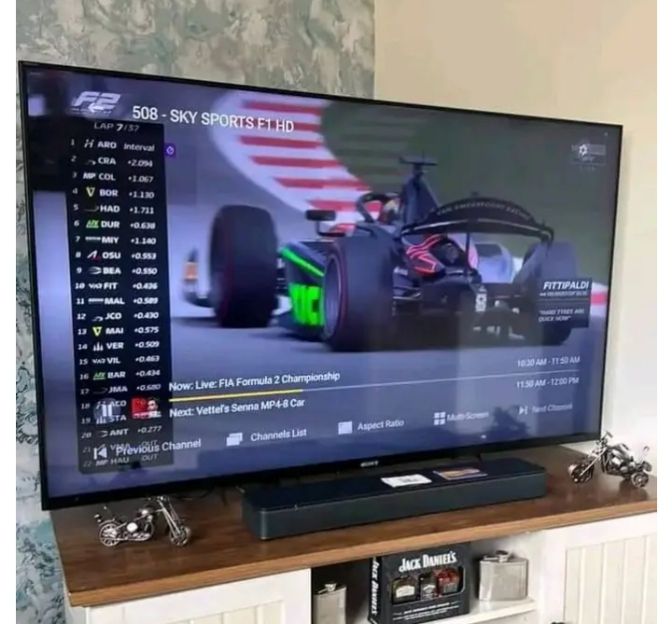
Miami, United States
Verified customerThe channel categories are easy to browse, and I like having movies, series, and live TV inside one app.
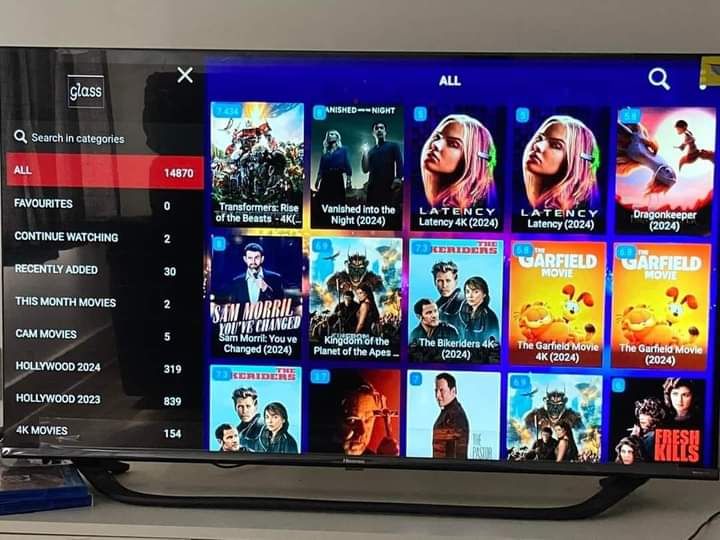
Seattle, United States
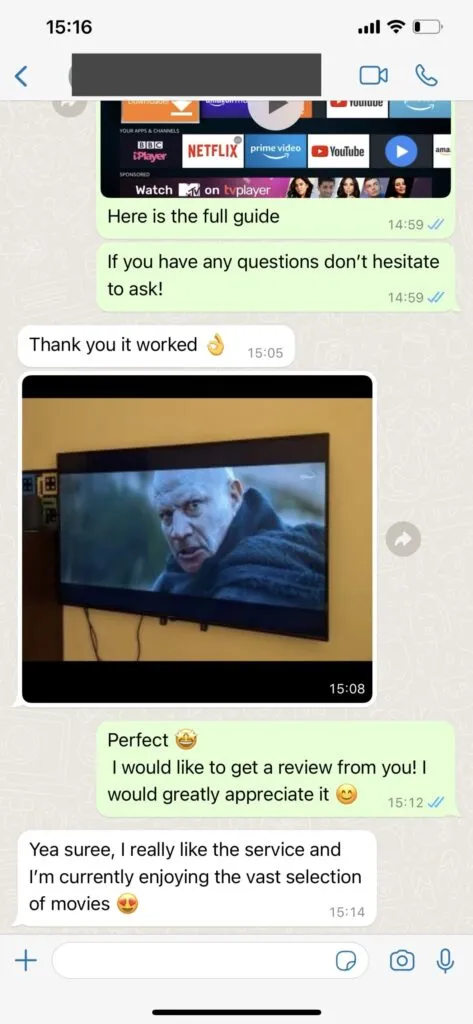
Verified customerI installed it on Android TV and a tablet. The instructions were clear, and WhatsApp support answered fast.
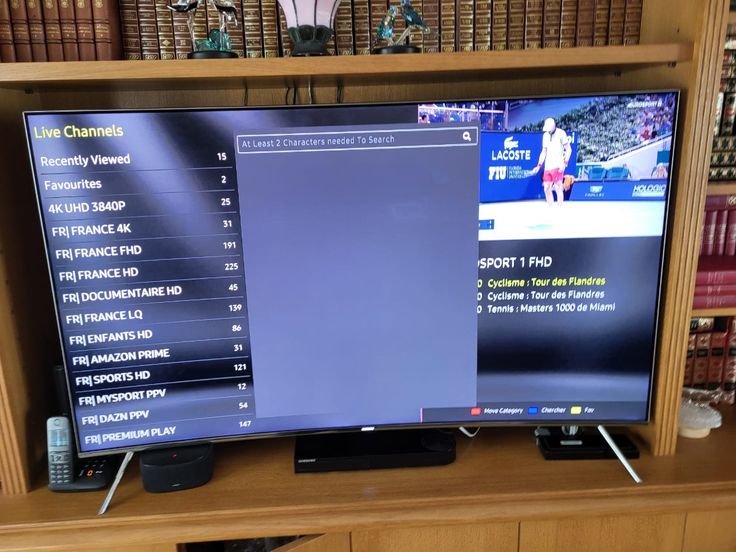
Denver, United States
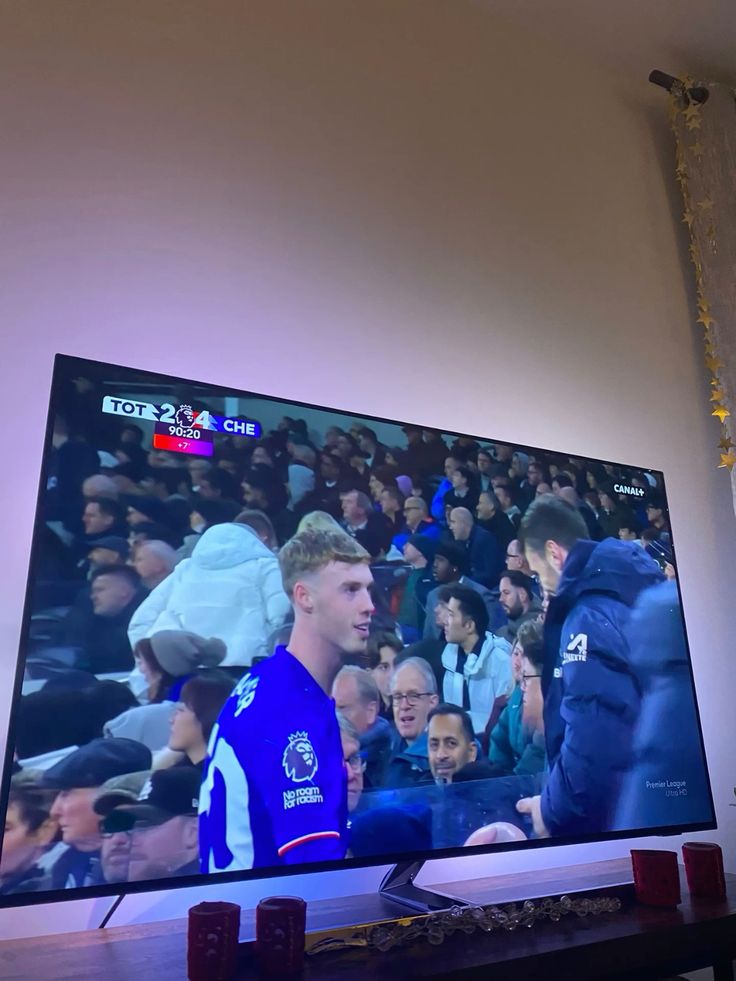
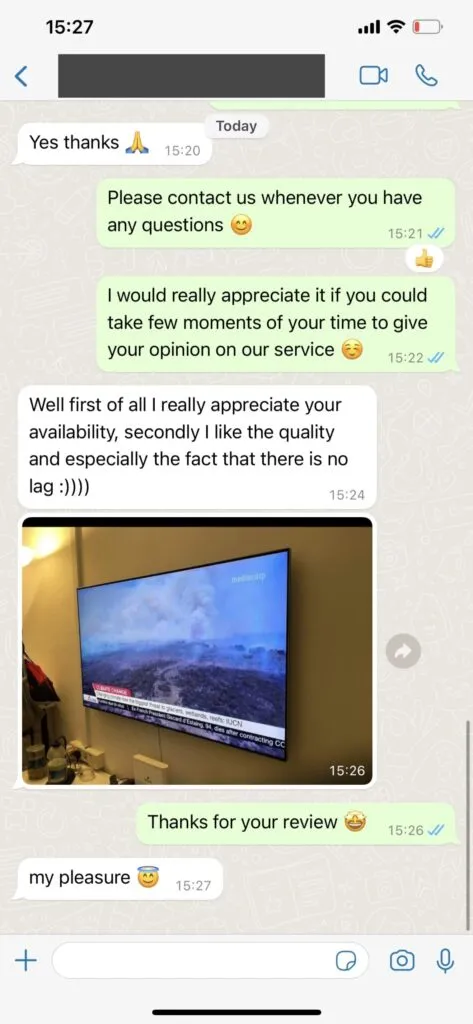
Verified customerPicture quality is strong on live events, and the EPG makes it much easier to choose channels.
Orlando, United States
Verified customerThe 12-month plan is good value for our household. We use it for series, weekend sports, and news.
New York, United States
Verified customerLive sports loaded quickly on my Fire Stick, and the support team helped me refresh the playlist when I changed apps.
Austin, United States
Verified customerThe IPTV Greatest subscription made movie nights easier because the VOD library is organized and works well on our Smart TV.
Chicago, United States
Verified customerI wanted sports and international channels without cable contracts. Setup was simple and the streams have been steady.
Miami, United States
Verified customerThe channel categories are easy to browse, and I like having movies, series, and live TV inside one app.
Seattle, United States
Verified customerI installed it on Android TV and a tablet. The instructions were clear, and WhatsApp support answered fast.
Denver, United States
Verified customerPicture quality is strong on live events, and the EPG makes it much easier to choose channels.
Orlando, United States
Verified customerThe 12-month plan is good value for our household. We use it for series, weekend sports, and news.
Features
A broad IPTV channel lineup helps households follow news, entertainment, regional favorites, and global programming without switching providers.
Multi-screen plans let two or more viewers watch different live channels, movies, series, or sports events at the same time when the plan is configured for simultaneous access.
The VOD library gives viewers a deep catalog for weeknight watching, family movie nights, and long-form series discovery.
Multiple quality levels help match your internet speed, device capability, and viewing preference during busy streaming hours.
Server routing is selected for stable playback, especially during live sports and popular event windows.
The platform is maintained for consistent access, quick playlist refreshes, and reliable category browsing.
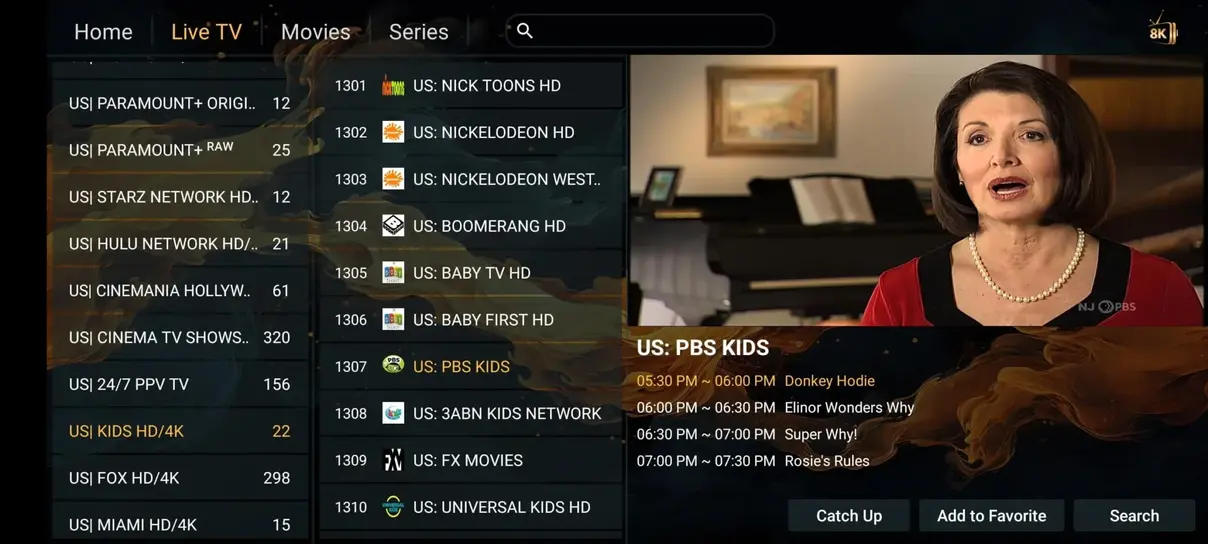
Catch-up tools and program guides make it easier to find shows and return to content you missed.
Sports fans can follow live events, league coverage, motorsport, combat sports, and PPV categories from one IPTV subscription.
Channel and VOD categories are refreshed so users do not need to manually rebuild their library.
IPTV Greatest works with Smart TVs, Firestick, Android TV, phones, tablets, laptops, MAG boxes, and compatible IPTV players.
WhatsApp support helps with app selection, login details, playlist refreshes, and device troubleshooting.
Motorsport categories make it easier to find races, qualifying sessions, and related sports programming.
Special event categories are included for viewers who want boxing, UFC-style events, and premium live programming.
The refund policy gives new customers time to test installation, device compatibility, and streaming quality.
The bonus month applies to the 12-month plan on this website and is shown clearly before ordering.
FAQ
IPTV Greatest support is available 16 hours daily through WhatsApp. The team helps with setup, app login, playlist refreshes, device changes, and common playback questions in clear English.
You contact support on WhatsApp, choose the plan that fits your household, and receive payment instructions. After payment is confirmed, your activation details are sent with setup guidance.
The service works with Smart TVs, Amazon Fire Stick, Android TV boxes, tablets, phones, Windows, macOS, Apple TV, MAG boxes, Enigma2 receivers, and IPTV players that support M3U or Xtream Codes.
IPTV Greatest includes 41,821+ live channels, sports, movies, series, international categories, PPV, 24/7 channels, and VOD libraries for viewers who want broad entertainment access in the United States.
For HD streaming, use at least 10 Mbps. For 4K, 25 Mbps or more is recommended. A wired Ethernet connection is best for main TVs, especially during live sports.
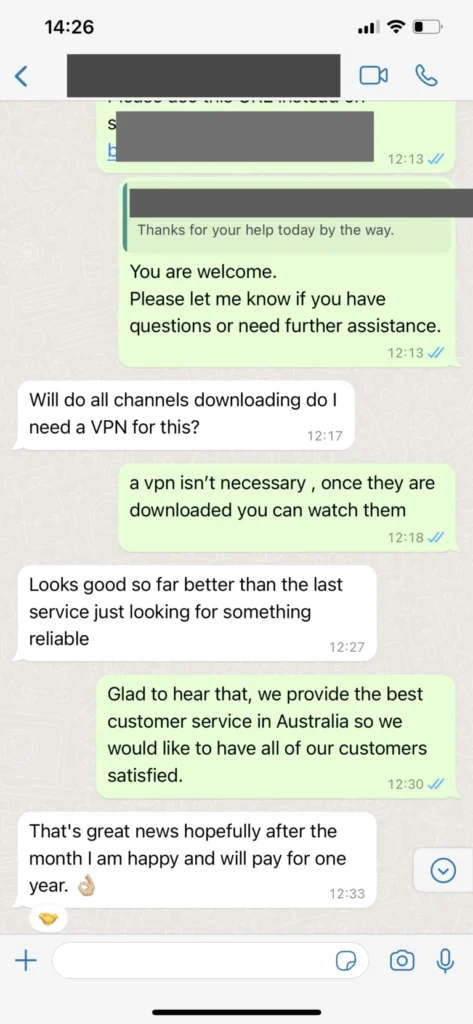
A VPN is not required for normal use. Some customers choose one for additional privacy, but IPTV Greatest can be configured directly on compatible IPTV apps and devices.
Yes. Your IPTV Greatest subscription can be used anywhere with a stable internet connection, making it practical for travel, second homes, and portable streaming devices.
IPTV Greatest guidance for IPTV viewers in the United States. This expanded guide explains the practical details behind the page, using plain language for viewers who want dependable IPTV access without guessing through app screens, unclear plan options, or device-specific setup problems.
USA live TV habits affects the real experience because IPTV viewing is a chain of choices: the subscription term, the player app, the internet connection, the television or streaming device, and the way support details are saved after ordering. IPTV Greatest treats that chain as one workflow. For viewers in the United States, that means the page should not only say that channels, sports, movies, series, and VOD are available; it should also explain how to prepare the household, what to ask before payment, and how to keep account information organized for future device changes.
The recommended approach is to start with one main screen, confirm playback quality, then add extra devices or multi-screen access only when the first setup is stable. If USA live TV habits is your priority, compare it with the feature guide, the pricing page, and the installation guide before ordering. This keeps expectations realistic, helps support answer faster, and reduces the chance of confusion during major live events, family movie nights, travel use, or a Smart TV app update.
For ongoing use, keep a note of the app name, device model, login method, and whether the playlist uses M3U, Xtream Codes, or a portal-style setup. That small record makes USA live TV habits easier to troubleshoot later. It also helps when moving from a phone test to Firestick, Android TV, Smart TV, tablet, Windows, macOS, or a second screen. IPTV Greatest support can use those details to identify whether the issue is internet speed, app cache, playlist refresh, EPG loading, or an account setting.
Sports nights affects the real experience because IPTV viewing is a chain of choices: the subscription term, the player app, the internet connection, the television or streaming device, and the way support details are saved after ordering. IPTV Greatest treats that chain as one workflow. For viewers in the United States, that means the page should not only say that channels, sports, movies, series, and VOD are available; it should also explain how to prepare the household, what to ask before payment, and how to keep account information organized for future device changes.
The recommended approach is to start with one main screen, confirm playback quality, then add extra devices or multi-screen access only when the first setup is stable. If sports nights is your priority, compare it with the feature guide, the pricing page, and the installation guide before ordering. This keeps expectations realistic, helps support answer faster, and reduces the chance of confusion during major live events, family movie nights, travel use, or a Smart TV app update.
For ongoing use, keep a note of the app name, device model, login method, and whether the playlist uses M3U, Xtream Codes, or a portal-style setup. That small record makes sports nights easier to troubleshoot later. It also helps when moving from a phone test to Firestick, Android TV, Smart TV, tablet, Windows, macOS, or a second screen. IPTV Greatest support can use those details to identify whether the issue is internet speed, app cache, playlist refresh, EPG loading, or an account setting.
Movie discovery affects the real experience because IPTV viewing is a chain of choices: the subscription term, the player app, the internet connection, the television or streaming device, and the way support details are saved after ordering. IPTV Greatest treats that chain as one workflow. For viewers in the United States, that means the page should not only say that channels, sports, movies, series, and VOD are available; it should also explain how to prepare the household, what to ask before payment, and how to keep account information organized for future device changes.
The recommended approach is to start with one main screen, confirm playback quality, then add extra devices or multi-screen access only when the first setup is stable. If movie discovery is your priority, compare it with the feature guide, the pricing page, and the installation guide before ordering. This keeps expectations realistic, helps support answer faster, and reduces the chance of confusion during major live events, family movie nights, travel use, or a Smart TV app update.
For ongoing use, keep a note of the app name, device model, login method, and whether the playlist uses M3U, Xtream Codes, or a portal-style setup. That small record makes movie discovery easier to troubleshoot later. It also helps when moving from a phone test to Firestick, Android TV, Smart TV, tablet, Windows, macOS, or a second screen. IPTV Greatest support can use those details to identify whether the issue is internet speed, app cache, playlist refresh, EPG loading, or an account setting.
Device setup affects the real experience because IPTV viewing is a chain of choices: the subscription term, the player app, the internet connection, the television or streaming device, and the way support details are saved after ordering. IPTV Greatest treats that chain as one workflow. For viewers in the United States, that means the page should not only say that channels, sports, movies, series, and VOD are available; it should also explain how to prepare the household, what to ask before payment, and how to keep account information organized for future device changes.
The recommended approach is to start with one main screen, confirm playback quality, then add extra devices or multi-screen access only when the first setup is stable. If device setup is your priority, compare it with the feature guide, the pricing page, and the installation guide before ordering. This keeps expectations realistic, helps support answer faster, and reduces the chance of confusion during major live events, family movie nights, travel use, or a Smart TV app update.
For ongoing use, keep a note of the app name, device model, login method, and whether the playlist uses M3U, Xtream Codes, or a portal-style setup. That small record makes device setup easier to troubleshoot later. It also helps when moving from a phone test to Firestick, Android TV, Smart TV, tablet, Windows, macOS, or a second screen. IPTV Greatest support can use those details to identify whether the issue is internet speed, app cache, playlist refresh, EPG loading, or an account setting.
Family viewing affects the real experience because IPTV viewing is a chain of choices: the subscription term, the player app, the internet connection, the television or streaming device, and the way support details are saved after ordering. IPTV Greatest treats that chain as one workflow. For viewers in the United States, that means the page should not only say that channels, sports, movies, series, and VOD are available; it should also explain how to prepare the household, what to ask before payment, and how to keep account information organized for future device changes.
The recommended approach is to start with one main screen, confirm playback quality, then add extra devices or multi-screen access only when the first setup is stable. If family viewing is your priority, compare it with the feature guide, the pricing page, and the installation guide before ordering. This keeps expectations realistic, helps support answer faster, and reduces the chance of confusion during major live events, family movie nights, travel use, or a Smart TV app update.
For ongoing use, keep a note of the app name, device model, login method, and whether the playlist uses M3U, Xtream Codes, or a portal-style setup. That small record makes family viewing easier to troubleshoot later. It also helps when moving from a phone test to Firestick, Android TV, Smart TV, tablet, Windows, macOS, or a second screen. IPTV Greatest support can use those details to identify whether the issue is internet speed, app cache, playlist refresh, EPG loading, or an account setting.
Travel streaming affects the real experience because IPTV viewing is a chain of choices: the subscription term, the player app, the internet connection, the television or streaming device, and the way support details are saved after ordering. IPTV Greatest treats that chain as one workflow. For viewers in the United States, that means the page should not only say that channels, sports, movies, series, and VOD are available; it should also explain how to prepare the household, what to ask before payment, and how to keep account information organized for future device changes.
The recommended approach is to start with one main screen, confirm playback quality, then add extra devices or multi-screen access only when the first setup is stable. If travel streaming is your priority, compare it with the feature guide, the pricing page, and the installation guide before ordering. This keeps expectations realistic, helps support answer faster, and reduces the chance of confusion during major live events, family movie nights, travel use, or a Smart TV app update.
For ongoing use, keep a note of the app name, device model, login method, and whether the playlist uses M3U, Xtream Codes, or a portal-style setup. That small record makes travel streaming easier to troubleshoot later. It also helps when moving from a phone test to Firestick, Android TV, Smart TV, tablet, Windows, macOS, or a second screen. IPTV Greatest support can use those details to identify whether the issue is internet speed, app cache, playlist refresh, EPG loading, or an account setting.